A guest book for a company event: collecting messages without it feeling like a form

Someone on the team is leaving. It may be a move to another company, a retirement after twenty years or the end of a long project. And the same scene plays out: a message in the general channel asking everyone to "write something nice," a shared document that gets opened and closed with nothing written, and a final compilation done at the last minute by the most organized person in the department.
The result is usually uneven. Five people write, the rest add an emoji, and the person receiving it can tell perfectly well where the affection was and where the formality.
The problem is not that people do not care. It is that the format demands an effort out of proportion to what they want to say.
Why the shared document fails
A collaborative document has three practical drawbacks.
The first is exposure. Everyone sees what the others have written while they write, and that shapes things: nobody wants to fall short of the previous message or outdo their manager's.
The second is context. People write from their computer, during working hours, between meetings. The tone ends up sounding like an internal email.
The third is assembly. Someone has to collect, format, add the photos and turn it into something presentable. That work always lands on the same person and gets done the night before.
A digital guest book, applied to work
The alternative is to change the channel, not to insist harder. A digital guest book works with a QR code or a link: each person opens it on their phone, writes their message and sends it. There is nothing to install and no account to create, so people who do not use the internal tools every day, or who are on the shop floor, in a store or traveling, can take part too.
You can see how it is set up on the digital corporate event guest book page.
The change of device matters more than it seems. Writing from a phone produces shorter, more natural messages. People tell one specific story instead of drafting a corporate paragraph.
Situations where it fits
A coworker's farewell. The most common case. Asking for specific memories works: their first day, a tough project, a habit of theirs that will be missed.
A retirement. Here it pays to open the link weeks ahead and include people who are no longer at the company but worked with the retiree. If that is your case, the article on the retirement guest book with a QR code goes into more detail.
A company anniversary. Instead of a speech, you collect what people tell: what the old office was like, how things used to be done, what has changed. It is material that internal communications can use afterward.
A team celebration or project wrap-up. Messages between colleagues, more informal, that record a moment that normally goes undocumented.
A convention or internal event. A way to gather attendees' impressions that is not a satisfaction survey.
Recognition of a person or a team. A set of messages from colleagues carries more weight than a plaque.
How to ask so people write
The difference between twenty messages and four usually comes down to how the request is framed.
Being specific helps. "Tell us about a moment with Martha that you remember" gets far better results than "write her a few words." An open question paralyzes. A specific one gets answered in two sentences.
It also helps if someone writes first. The first messages set the tone: if the first one is formal, they will all be formal. If the first one tells a story, most will tell stories.
And give a real deadline. "By Thursday" works. "Whenever you can" does not.
Where to put the link
It depends on how the team works, but several spots at once usually do well:
- The internal channel where the event is already being discussed.
- A short email with the link visible at the top.
- A sign with the QR code in the coffee area or at the entrance.
- A card on the tables if there is a meal or a reception.
- The event itself, on a screen or mentioned by whoever is hosting.
If people are at several sites or remote, the link is what evens out participation.
Photos and voice notes
Besides the text, each person can add one photo to their message. At work, that opens up an archive that exists nowhere official: photos from old projects, team lunches, an office that no longer looks like that.
If the host turns the option on, people can leave voice messages too. At a farewell or a retirement that has a different effect from text, especially if they will be played at the event itself.
The event itself
When there is an in-person moment, the messages can be shown on a screen as people arrive or during the toast. It is a simple way to fill a stretch that is normally covered with background music, and it encourages those who have not written yet. The how it works page shows the live wall.
After the event, everything stays together in one place and can be given to the person being honored.
What it takes to set up
Not much. Create the event, share the QR code or the link and collect the messages as they arrive.
What matters is not the tool but the approach: ask for something specific, make it easy for the writer and do not leave the assembly for the end. Do that, and a colleague's farewell stops feeling like an administrative task.
Related articles
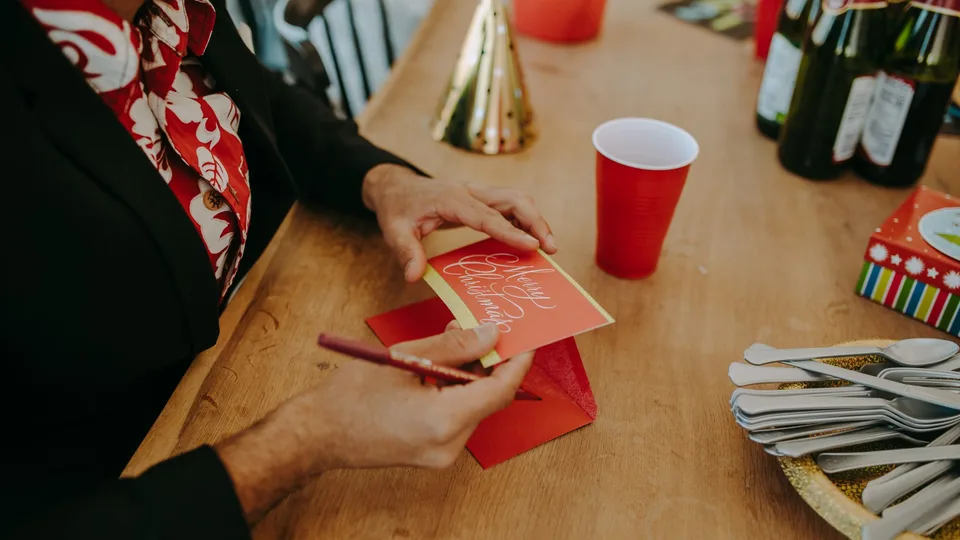
A holiday card for the team: the one everyone signs, wherever they are
The team holiday card usually gets lost under a folder. How to gather messages and photos from everyone, including those who are not in the office, with a QR code.
5 min
Office Secret Santa: the gift lasts a week, the message does not
The office Secret Santa is over when the wrapping paper runs out. A simple way to leave something more behind: a message from every person on the team.
5 min
You've been put in charge of the office holiday party: where to start
Nobody volunteers to plan the office party. If it has landed on you, here is the order to make the decisions in and what to lock down each week.
4 min