1900 x 900 pxEditable
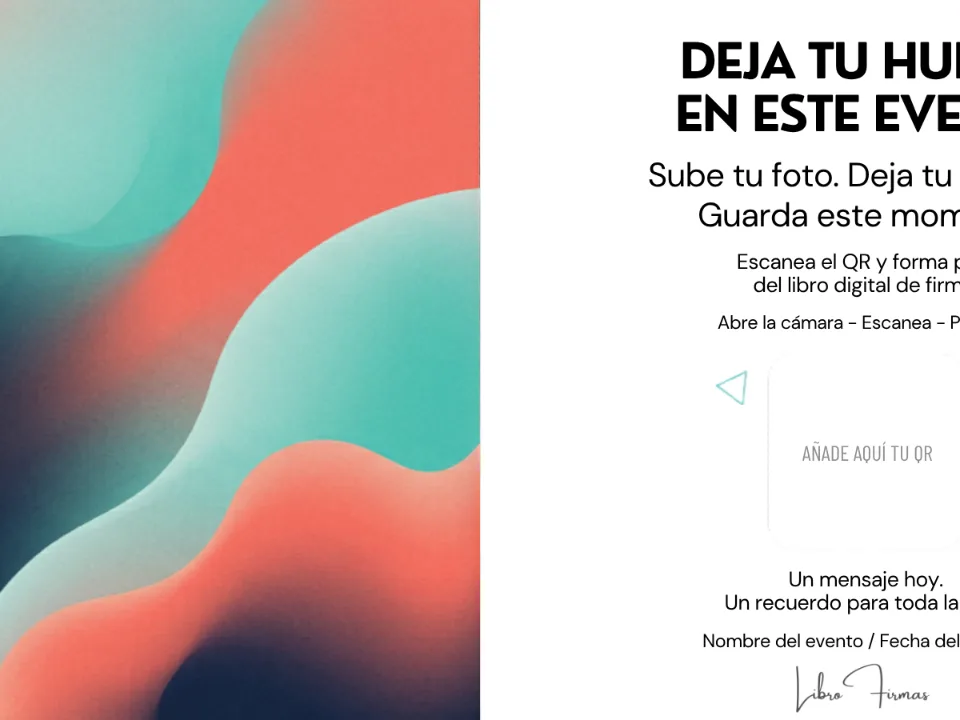
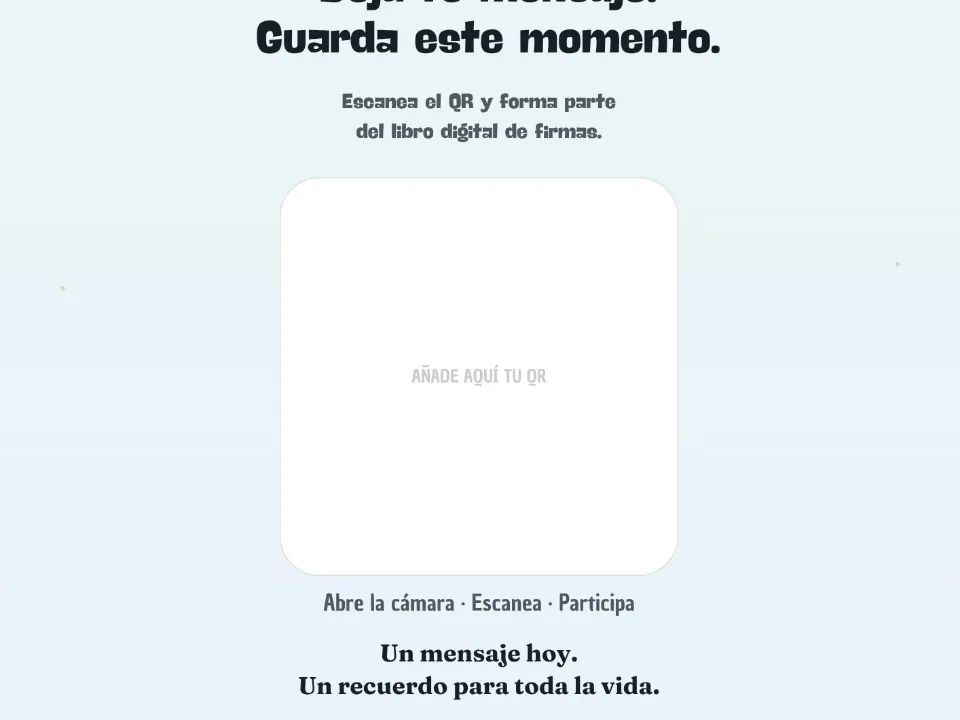
Landscape sign for the welcome table
Eye-catching on projectors, long tables and busy receptions.
Best for: Screens, stands and wide signs
A QR code alone isn’t enough. It has to invite, guide and look good on the welcome table. Here are three editable templates so your digital guest book looks polished at first glance.
The sample wording on the designs is in Spanish. In Canva you replace it with your own text in a couple of clicks: we suggest some phrases below.
Pick, edit, print
Each design is made for a real moment of the event: the welcome table, a signing corner, a landscape screen or a printed sign. You just add your QR code.
Eye-catching on projectors, long tables and busy receptions.
Best for: Screens, stands and wide signs
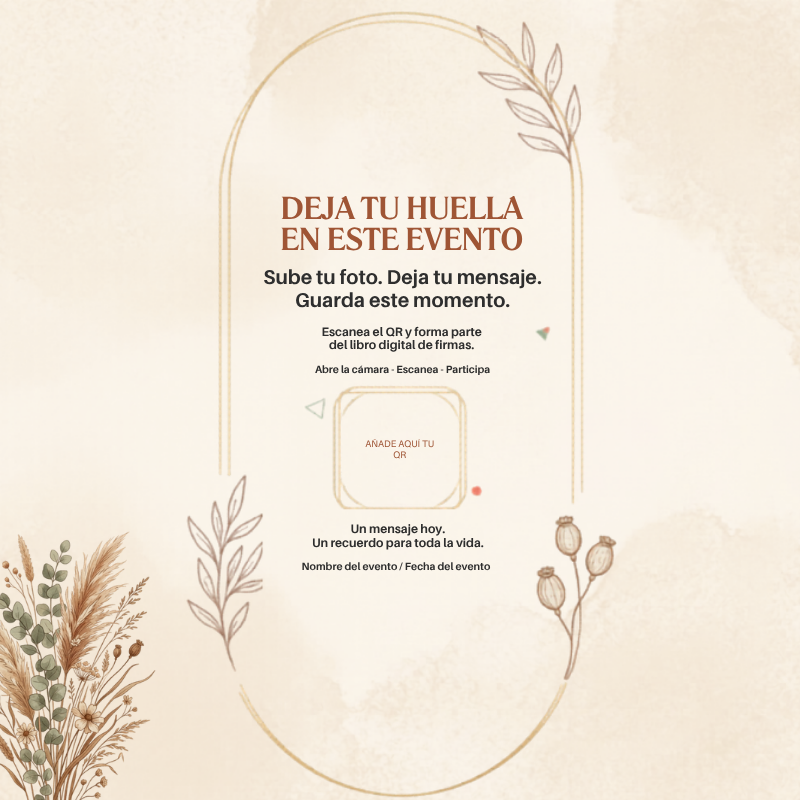
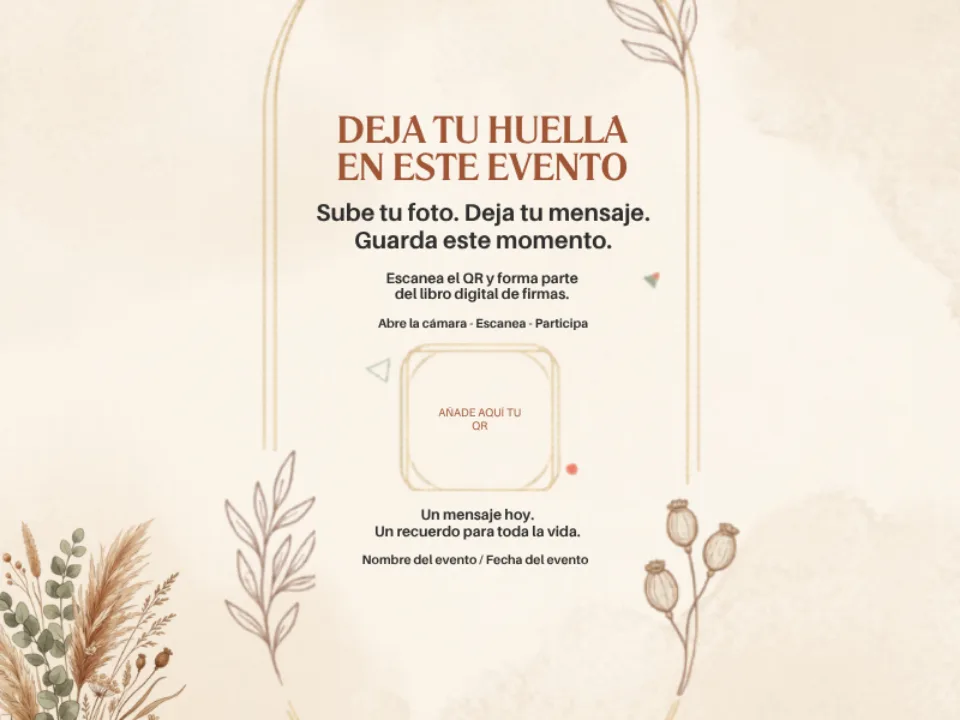
Warm and editorial, perfect for weddings, communions and family celebrations.
Best for: Instagram, square prints and signing corners
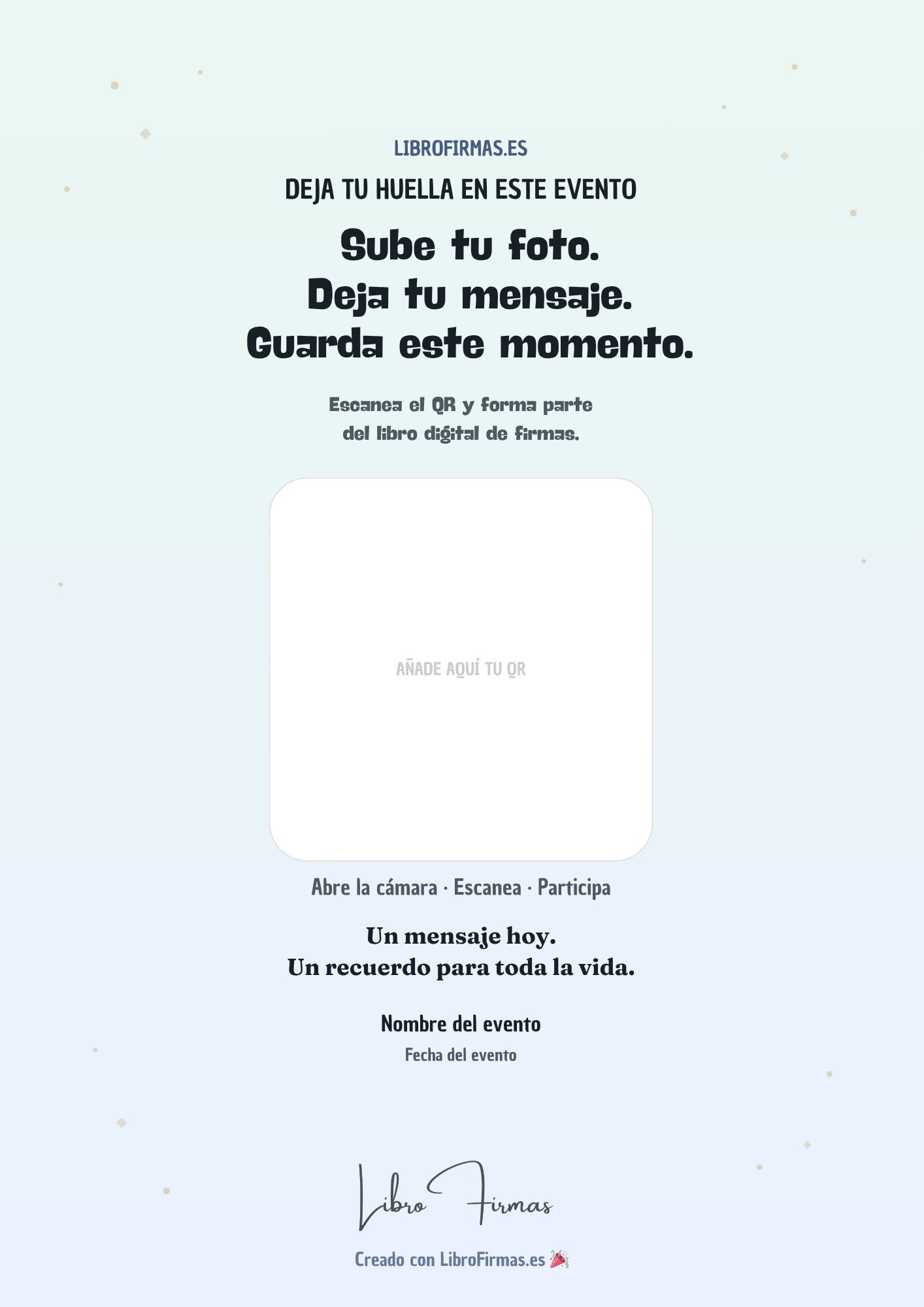
Clean, elegant and very readable, to print on A4/Letter or A3.
Best for: Entrance signs, seating chart and gift table
Your guests understand what to do in 5 seconds.
The QR code stops looking like paperwork and becomes part of the decor.
Print it, share it or put it on a tablet next to the guest book.
Works for weddings, communions, baptisms, birthdays and corporate events.
How to use it
The template doesn’t replace your QR code: it dresses it up. You copy your event’s real QR code and place it in the design so every guest can sign from their phone.
Wording you can use
Pick the template that best suits your table or screen.
Create your event for free on EventGuestBook.
Copy the QR code or the signing link from your dashboard.
Open the template in Canva, click “Use template” and swap the sample QR code for yours. Then replace the sample text (it’s in Spanish) with your own wording, names, date and colors.
Download it as a PDF to print or as a PNG to share on WhatsApp or show on a screen.
Put the sign out and receive the messages and photos on your live wall and in your book.
Step-by-step guide
A calm guide to upload a design, edit the text, check the QR code and download it ready to print or share.
See the Canva guideChange colors, names, date and phrase. The layout already gives the QR code room to breathe and scan well.
Download from Canva as a PDF for the print shop or a PNG to share. Great for A4/Letter, A3, stands and tables.
A good sign avoids questions. “Open your camera, scan and join in”: clear, pretty and easy to act on.
Before printing
That way every message lands on your live wall and in your final book. The template is the shop window; EventGuestBook keeps the memory.