How to collect photos and messages from lots of people without starting a group chat

The brief always sounds the same: gather photos and a few words from thirty, sixty or a hundred and twenty people, and do it before a certain date. It makes no difference whether it is a wedding, a big birthday, a farewell, a retirement or a tribute at the office. The first idea someone has is to start a group chat, and that is where the trouble begins.
Why a new group chat does not work
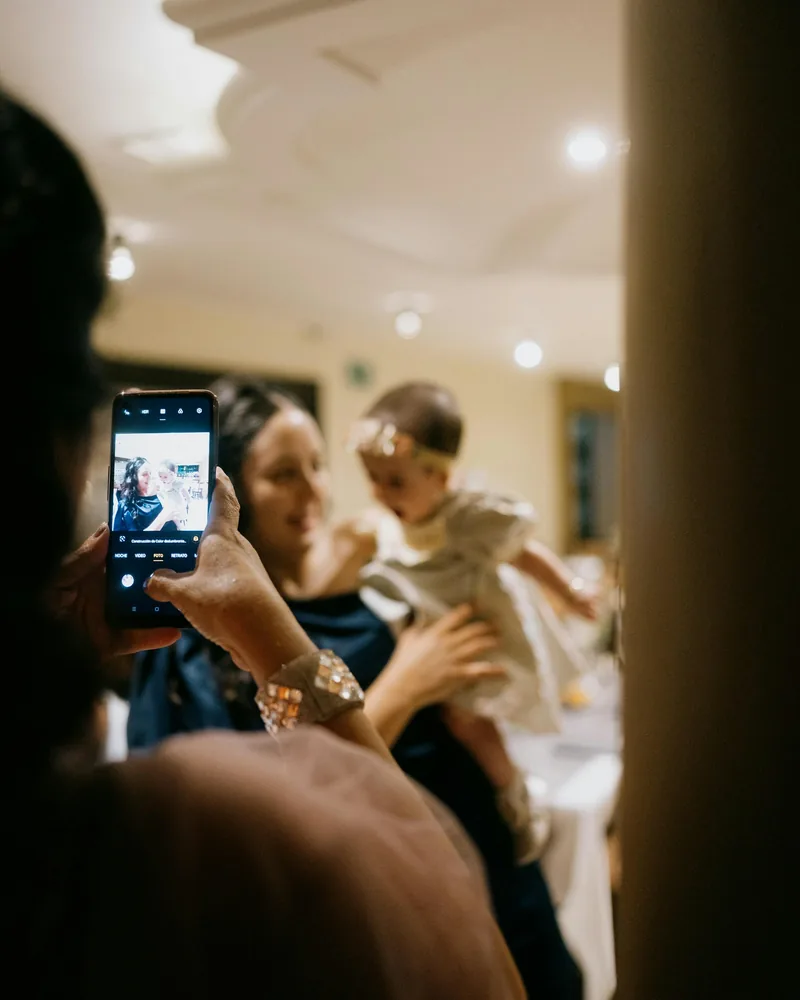
A group created for the occasion does three things badly at once.
It mixes everything into one conversation: the photos show up between stickers, voice messages, jokes and "running late." When you want to get them back, you have to scroll through weeks of history and decide, photo by photo, which one was good.
It compresses and scrambles. What comes through chat often loses quality and arrives with no curation: the same scene eight times and the important moment not at all.
And it puts people on the spot. Writing something heartfelt in front of sixty people is not the same as writing it in private. Many do not, and those who do write differently.
Add the obvious: someone has to run the group, remind people, nag and then close it. It is nearly always the same person, and they nearly always end up fed up. We go into more detail in wedding photos and the group chat.
The alternatives people usually try
A shared cloud folder. It stores photos well and does not compress them. In exchange, many people need an account to upload, the interface changes from phone to phone, and it does not collect messages: only files.
Email. Fine for ten people, not for a hundred. And it leaves the sorting and downloading to whoever receives it.
A form with file upload. It works technically, but it feels like paperwork. Nobody writes a lovely memory in something that looks like a survey.
A hashtag on social media. It only reaches people who use that network and post publicly. You lose a lot of people and all the private content.
None is entirely bad. They just solve one part: either the photos or the words, almost never both.
What the solution has to do
Before choosing, be clear about what you are really asking for:
- One destination. Give two places and neither fills up.
- Nothing to install and no sign-up. Every extra step loses people, and the ones you lose are usually the oldest and the least comfortable with a phone.
- Photo and text in the same entry. A photo recovered without knowing who sent it or why is worth half as much.
- Private. Everyone writes without an audience.
- All together at the end. Sorted by person and downloadable, not spread across three apps.
How a single link with a QR code solves it
The simplest way is one single link, with its QR code, that each person opens on their phone. They write their message, attach a photo and send. No download or sign-up to take part, and everything arrives in the same place, attributed to whoever sent it. Anyone with more photos can send more than one entry.
You hand out that link however you like: by individual message, in a group that already exists (without creating a new one), printed on a card on the table or shown on a screen. And it keeps working in the days that follow, which is when a good share of the material arrives: people go through their camera roll at home, unhurried.
That is exactly what a digital guest book does, even if the name sounds like weddings only. It is used the same way for a milestone birthday, a farewell, the retirement of someone on the team or a family meal where, for once, everybody was there.
If the host turns the option on, guests can leave voice notes as well as text and photos: for people who get stuck writing, talking for thirty seconds is much easier.
In short
A group chat is quick to create and expensive to maintain: it forces you to chase, filter and rescue files from a conversation that is also filling up with other things. One link, with no accounts and nothing to install, leaves the work done as things arrive.
The fastest way to see whether it fits what you need is to try it yourself as if you were a guest: open the link, write, add a photo and send it. And the whole process, from creating the event to downloading what you collected, is in how it works.
Related articles

How to print your digital guest book: from PDF to paper, step by step
You have the PDF of the book and you want it on paper. Page size, what to ask the print shop, what to check before printing and how to edit the book first if you need to.
6 min
Guest book in Canva or PowerPoint: how to edit your EventGuestBook file
The editable PPTX is a Premium feature and it is not a native Canva project. How to download it, open it in PowerPoint or import it into Canva, and what may change.
7 min
Free digital guest book: what it includes and when Pro is worth it
The free plan is a real trial, but it has a clear cap. What Demo includes, what changes with Pro and how to decide before you hand out the QR code.
6 min