Party photo dump: how to gather the best photos from the whole group
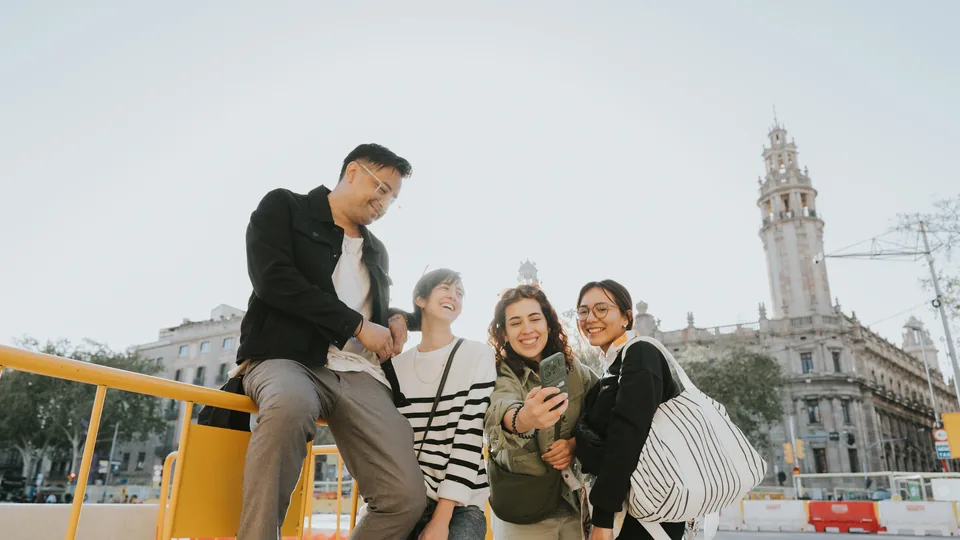
A photo dump is a batch of unedited photos, mixed together, with no perfect story: the blurry one with flash, the table covered in glasses, someone with their eyes closed, half a selfie. It works because it looks like the way a night is remembered: in pieces.
The problem is that you do not have those photos. Everyone else does. And when you try to get them together, you end up chasing people by text. Here is how to get them and what to do with them.
Why it works (and why it is not the posed ones)
Posed photos say we were there. Candid ones say what it was like. They tend to have three things in common:
- Nobody is watching the camera. You see the real laugh, not the smile.
- They show what you do not see head-on. The kitchen at four in the morning, somebody's coat on the floor.
- Each photographer has a point of view. The one on the dance floor does not see what the one at the door sees.
That is why a group photo dump is so much better than a solo one: six phones tell six versions of the same night.
This article is about the party and the photos. If what you are after is the general problem of collecting photos and messages from a lot of people without starting a group chat, this other guide covers it.
How to choose photos that tell a story
A photo dump is not throwing everything in at random. You choose. One way to order it:
- Start with something that sets the scene. The entrance, the cake, the sign. A photo that says where we are.
- Mix your shots. A wide one, a close one, a detail.
- Leave in a couple of bad photos on purpose. The blurry one is often the favorite.
- Close with something that lingers. The last photo of the night, or the group, worn out.
Twenty photos that say something beat two hundred that look alike.
Photo ideas to ask your friends for
Say "send me photos from the party" and they will send the usual ones. Give them specific assignments:
- "A photo of what was on your plate or in your glass."
- "The worst photo you took tonight."
- "Someone you caught without them noticing."
- "A detail of the place nobody else photographed."
- "A photo of the people at your table."
- "The moment right before the cake."
- "A selfie with the person you least expected."
Each guest can take their photo on the spot with their phone camera or upload one they already have.
Gathering them with a QR code, without chasing anyone
The hard part is getting them together. A QR code means nobody has to send you anything by chat:
- Create an event and choose the questions or assignments you want.
- Print the QR code and put it on a table, at the door or next to the DJ.
- Post the same link in the party group chat, for anyone who leaves early.
- Leave the link open for a few days, because many of the best photos arrive the next day, once heads have cleared.
Guests do not sign up or install anything. Each entry takes one photo, but the same person can send as many as they like by signing several times. There is no feature that builds the photo dump automatically and no Instagram or TikTok integration: your friends supply the photos and you choose which ones stay.
Photos with messages and stories
A party photo makes sense in the moment. A year later, with no context, it becomes a puzzle: who was the guy in the jacket? What was going on?
So have each photo carry a short text: who it is, what happened, what was said. Two lines are enough:
- "This was right before the cake fell."
- "My favorite of the night. Nobody knows why we were laughing."
If you turn on voice notes, anyone who prefers to can tell the story out loud. And from the dashboard you can hide any photo someone would rather not have shown.
Keeping it off social media
Social media is a good shop window and a bad archive: photos get compressed, they are lost when an account changes, and your memories are mixed in with everyone else's.
On the Pro plan you can download all the photos in a ZIP for up to 90 days after the event and get the complete book as a PDF, with each photo next to its message. That is what you keep, on your own computer, without depending on any platform. And if you want to post three to an Instagram carousel, you already have them in one place.
And if one day you want it on paper, the PDF can go to any print shop.
A practical example
Picture a graduation party with thirty friends. They put a QR code at the entrance with three assignments: a photo of your table, the worst photo of the night and a two-line story. Photos arrive during the party, and the next day, after one reminder, the missing ones come in.
With everything gathered, the organizer picks the ones that tell the night, puts them in order and downloads the PDF. This is a hypothetical example: it does not describe a real EventGuestBook customer.
To see what a book with photos and messages looks like, open the sample birthday wall. The names and messages are invented, and the people in the photos are not EventGuestBook customers.
Which plan to choose
The Demo plan is free, with no card, and allows up to 5 messages per event, with text, photos and voice notes. It is good for trying it out with a few friends. A party of thirty goes past that number right away, and once the limit is reached, the next guest sees that the book is full and their message is not saved.
Pro costs €49.95 per event, in a single payment, with unlimited messages and photos, the photo ZIP and the book as a PDF. If you want to retouch the design in PowerPoint or Canva, that is the Premium plan (€99.95), not Pro. Current prices are on the pricing page.
Frequently asked questions
What exactly is a photo dump?
A series of unedited photos from one moment, posted together instead of picking a single one. Here we use it to describe a party's collective memory.
Can I import photos from Instagram or TikTok?
There is no integration with those networks. Guests upload photos from their phones.
How many photos can each person upload?
One per message, and they can sign as many times as they want.
Do they have to install anything?
No. It opens in the browser with the QR code or the link.
A next step
Create your event and try it with your friends before the party.
Related articles
Your friend is going abroad: gift ideas she will not forget
A mug or a keychain gets left behind at the airport. A keepsake with messages, photos and voice notes from all her friends travels with her. How to organize it as a group.
6 min
Your 18th birthday party deserves more than 200 photos on a phone
An 18th birthday party produces hundreds of photos and almost no organized memories. How to gather your friends' photos, messages and voice notes with a QR code and keep them.
6 min
Surprise party messages: how to collect them in secret and reveal them at the party
A surprise party depends on nobody letting it slip. How to ask everyone for messages and photos without the guest of honor finding out, and how to show them at just the right moment.
8 min